
Professional development is the backbone of effective International Baccalaureate (IB) education. According to the International Baccalaureate Organisation, IB schools worldwide rely on continuous teacher training to maintain program integrity. IBICUS has been a leading provider of these essential workshops since 2003, serving educators in over 130 countries. This guide explains how to register for virtual Category 3 workshops, which are designed for experienced teachers and coordinators seeking advanced specialization. (Ibicus International Baccalaureate IB)
Understanding Category 3 Workshops
Category 3 workshops are distinct from introductory training. They are designed for educators who have already completed Category 1 or 2 training. These sessions focus on deepening subject-specific knowledge or exploring new pedagogical approaches within the IB framework. IB Diploma Programme teachers often use these workshops to refine their assessment strategies or explore interdisciplinary connections. (Ibicus International Baccalaureate IB)
IBICUS offers a wide range of Category 3 options. These include subject-specific deep dives for Biology, Chemistry, and Business Management. They also cover broader pedagogical topics like academic integrity and approaches to teaching and learning. The intensity of these workshops is notable. They typically run for three days, with four hours of instruction per day. This format ensures focused engagement without the fatigue of longer sessions.
Virtual workshops are delivered via Zoom. This platform allows educators from anywhere in the world to participate. The interactive nature of these sessions mirrors face-to-face training. Teachers report high levels of engagement and practical takeaway strategies. This accessibility has made virtual Category 3 training a preferred choice for many international schools.
Preparing Your Account
Before you can register, you need a functional account on the IBICUS platform. The registration system requires a unique user profile to manage bookings and payments. If you are a new user, you must create an account first. This process is straightforward and takes only a few minutes.
Visit the IBICUS home page and locate the "Log In" button. If you do not have an account, select the option to register. You will need to provide your full name, email address, and a secure password. Ensure your email is correct, as all confirmation details and workshop links will be sent there.
Existing users should verify their login credentials. If you have forgotten your password, use the "Forgot Password" link on the login page. Resetting your password via email is the fastest way to regain access. Once logged in, check your profile details. Accurate contact information ensures smooth communication regarding your workshop schedule.
Finding the Right Workshop
IBICUS offers a comprehensive catalog of workshops. Navigating this catalog efficiently requires using the advanced search features. The website is organized by program area, workshop category, and subject. Category 3 workshops are clearly labeled within the search results.
Start by selecting the "IB Workshops" menu item. From there, use the "Advanced Search" options. You can filter by "Workshop Category" and select "3". This immediately narrows the results to advanced training sessions. You can further refine your search by selecting a specific program, such as the Diploma Programme (DP) or Middle Years Programme (MYP).
Subject filters are also available. If you are a Biology teacher, you can select "Biology" from the subject dropdown. This will display only Category 3 Biology workshops. The search results will show the workshop title, format (Virtual or Face-to-face), dates, and venue. For virtual workshops, the venue will be listed as "Virtual".
Review the workshop descriptions carefully. Each workshop has specific prerequisites. Category 3 workshops often require prior completion of Category 1 or 2 training. Ensure you meet these requirements before proceeding. The workshop leader will verify your eligibility during the session.
The Booking Process
Once you have identified the right workshop, the booking process is simple. Click on the workshop title to view the details page. This page provides a full description, learning objectives, and the workshop leader's profile. It also lists the exact dates and times.
Look for the "Make a Booking" button on the workshop details page. Clicking this button will add the workshop to your shopping cart. You can continue browsing to add more workshops if needed. However, most educators book one workshop at a time.
When you are ready to checkout, click on the "Cart" icon. Review your selected workshops. Ensure the dates and times are correct. Click "Proceed to Checkout". You will be prompted to enter your payment details. IBICUS accepts major credit cards and secure online payments. The transaction is encrypted to protect your financial information.
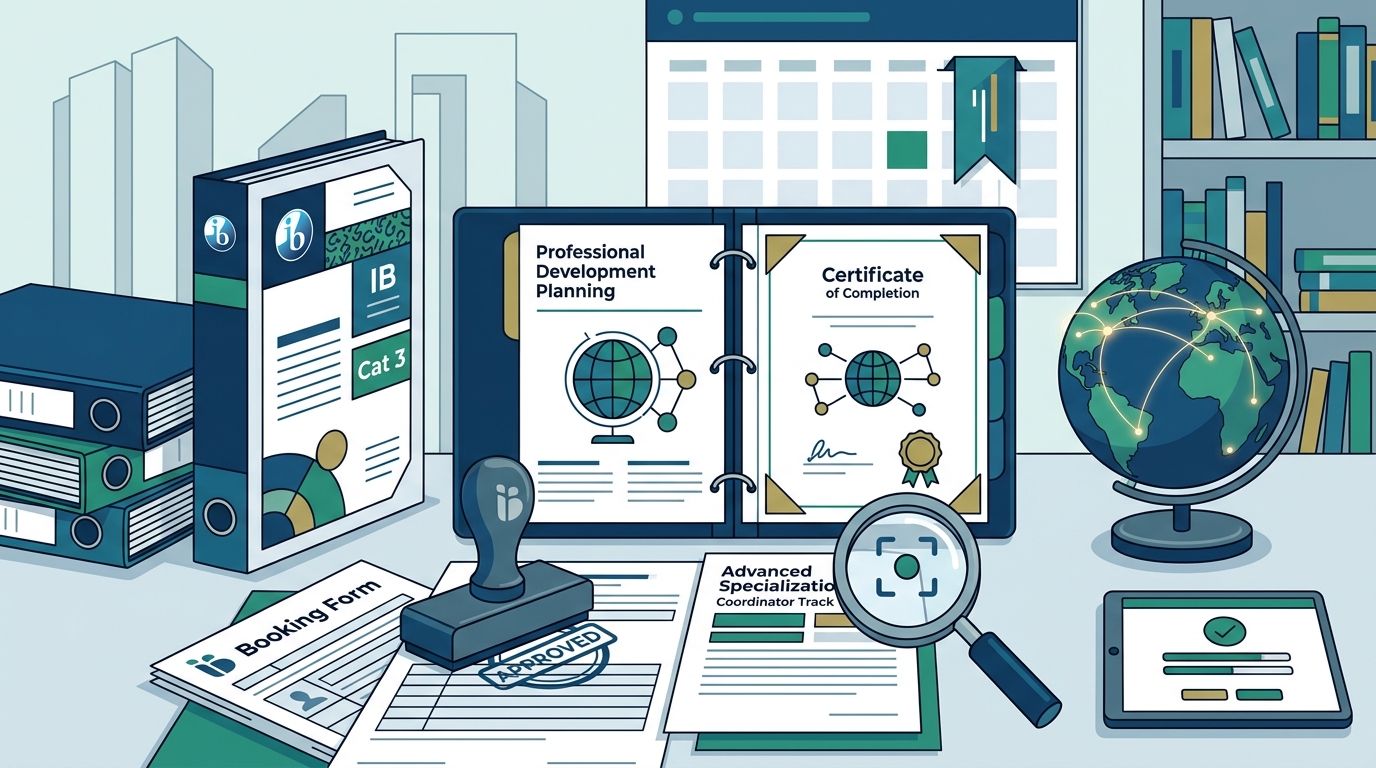
After payment is confirmed, you will receive an email confirmation. This email contains your booking reference number and a link to the virtual workshop room. Save this email for your records. It is your proof of registration and your access key for the training days.
Payment and Fees
Workshop fees vary depending on the subject and format. IBICUS maintains transparent pricing on their Fees page. Prices are typically listed per participant. Some workshops may offer group discounts for schools sending multiple teachers. Check the workshop details for any available discounts.
Payment is required at the time of booking. IBICUS does not hold reservations without payment. This policy ensures that workshop spots are secured for committed educators. If you need to cancel, refer to the Terms and Conditions for the cancellation policy. Cancellations made well in advance may be eligible for a refund or credit.
Schools often cover the cost of professional development. If your school requires an invoice, contact the IBICUS team directly. Provide your booking reference and school details. They can issue a formal invoice for your finance department. This process is common for international schools with specific procurement requirements.
Post-Registration Support
Registration is just the beginning. IBICUS provides extensive support before and during the workshop. A few days before the start date, you will receive a reminder email. This email includes the Zoom link and any pre-workshop materials.
Test your Zoom setup in advance. Ensure your microphone and camera are working. A stable internet connection is crucial for the interactive nature of the workshop. The workshop leader will be available at the start time to assist with any technical issues.
During the workshop, participation is key. Category 3 workshops are highly interactive. You will engage in discussions, case studies, and collaborative activities. The intensive format requires focus and energy. Take breaks as scheduled to maintain your concentration.
After the workshop, you may receive a certificate of completion. This document verifies your participation and can be added to your professional portfolio. Keep this certificate for your records. It is proof of your ongoing commitment to IB excellence.
Frequently Asked Questions
Can I attend a Category 3 workshop if I am not an IB teacher?
Yes, IBICUS offers workshops for non-IB schools as well. However, Category 3 workshops are designed for experienced educators. You should have a background in education to benefit from the advanced content.
What is the difference between Category 2 and Category 3?
Category 2 workshops are for teachers who are new to the IB program. They focus on foundational knowledge. Category 3 workshops are for experienced teachers. They focus on advanced strategies and subject-specific depth.
Do I need to install Zoom before the workshop?
Yes, you need the Zoom client installed on your computer or mobile device. The link in your confirmation email will guide you to the download page if needed. Ensure your software is up to date.
Can I record the virtual workshop?
Recording policies vary by workshop. Generally, workshops are not recorded for privacy reasons. Check with the workshop leader if you have specific needs. Most materials are provided digitally for your reference.
How do I contact IBICUS for help?
You can contact the IBICUS team via email at admin@ibicus.org.uk. They are responsive and can assist with booking issues, payment questions, or technical support.
Are there group discounts for schools?
Yes, IBICUS often offers discounts for schools sending multiple teachers. Contact the team directly to discuss your school's needs and potential savings.
What if I miss a day of the workshop?
Attendance is important for the interactive nature of the training. If you miss a day, contact the workshop leader immediately. They may provide materials to help you catch up, but full participation is recommended.
Book Your Training Today
Investing in your professional development is an investment in your students. IBICUS provides the high-quality, intensive training you need to excel in the IB classroom. With virtual workshops available globally, you can access expert training from anywhere.
Ready to register? Visit the IB Workshops page to browse the full catalog. Use the advanced search to find your Category 3 workshop. Complete your booking securely and prepare for an engaging learning experience.
For more information, check the How to Book guide or contact the IBICUS team directly. Your journey to IB excellence starts with a single click.